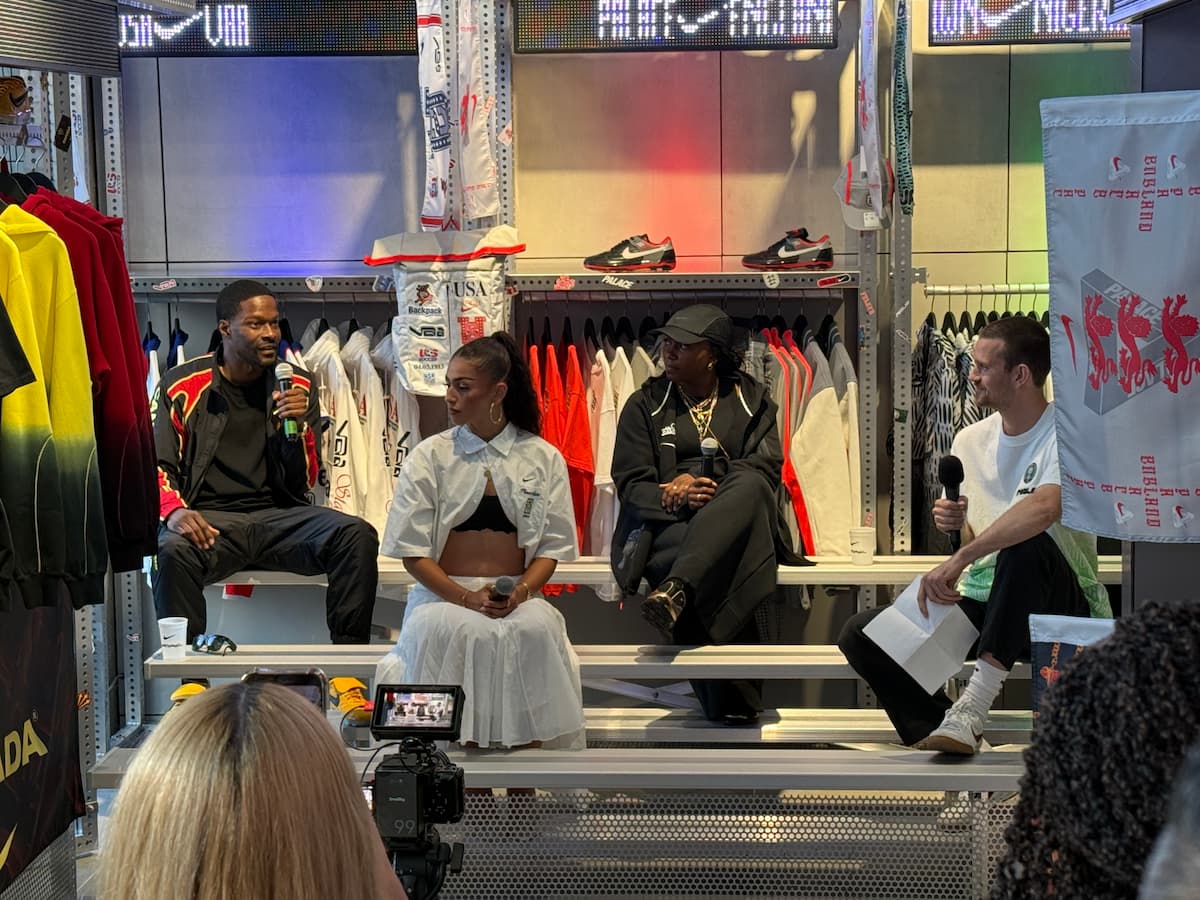
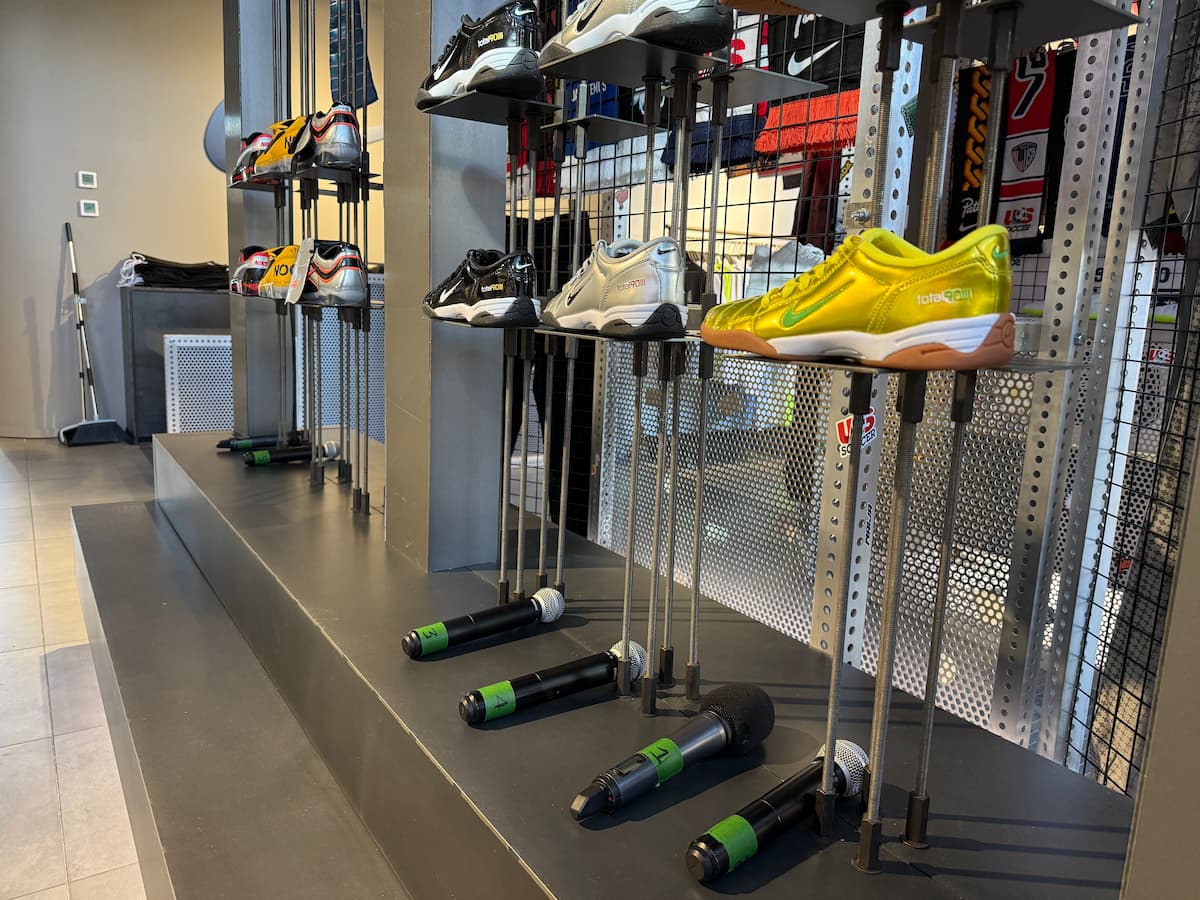
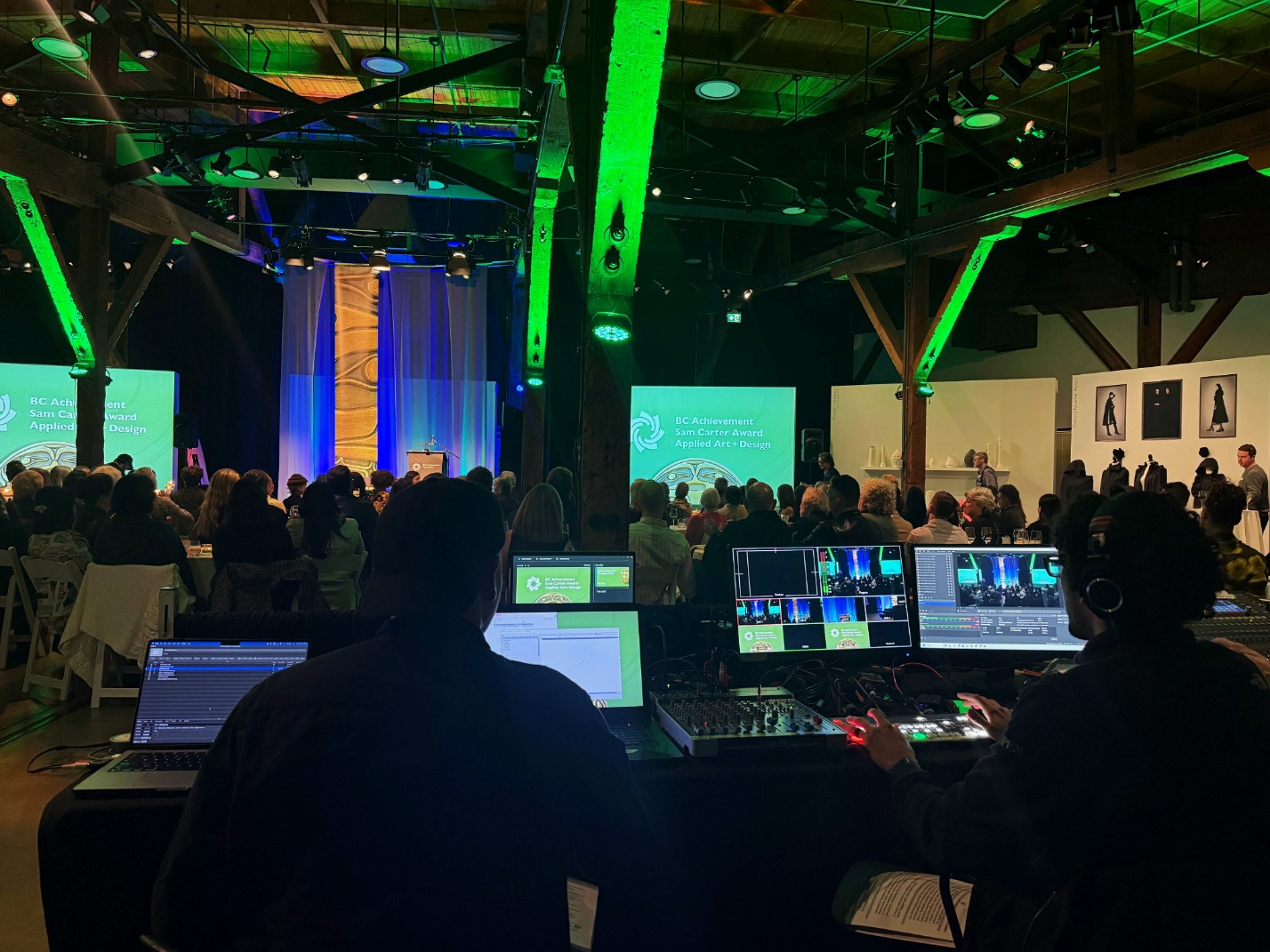
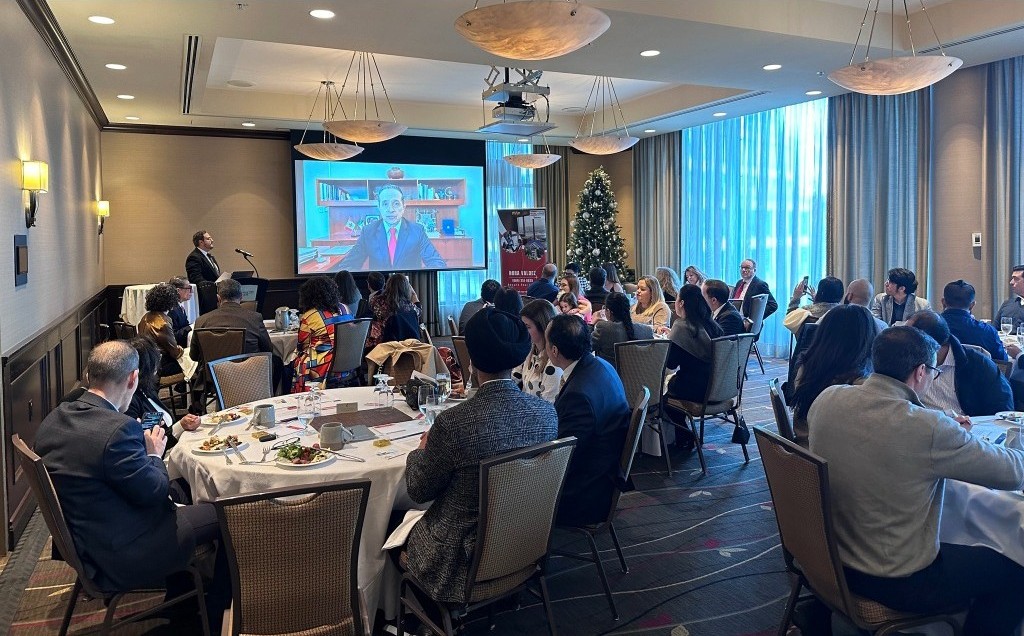
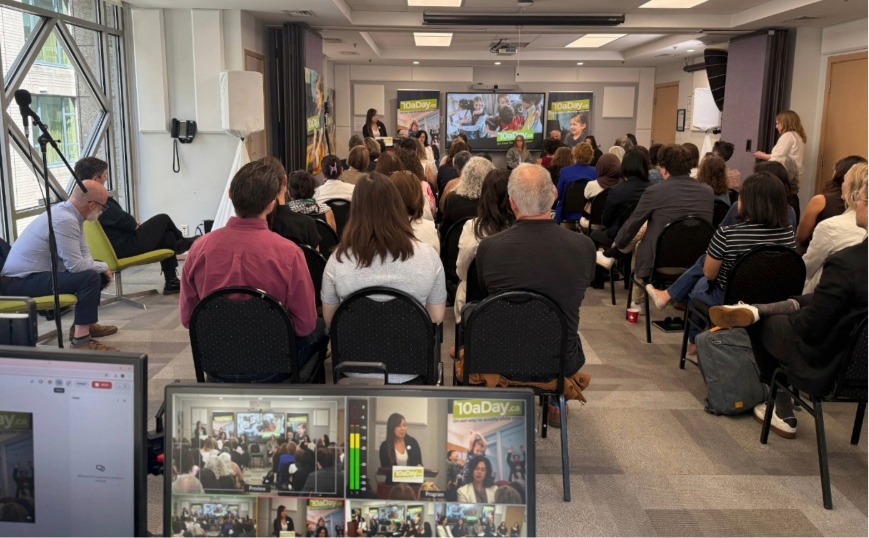
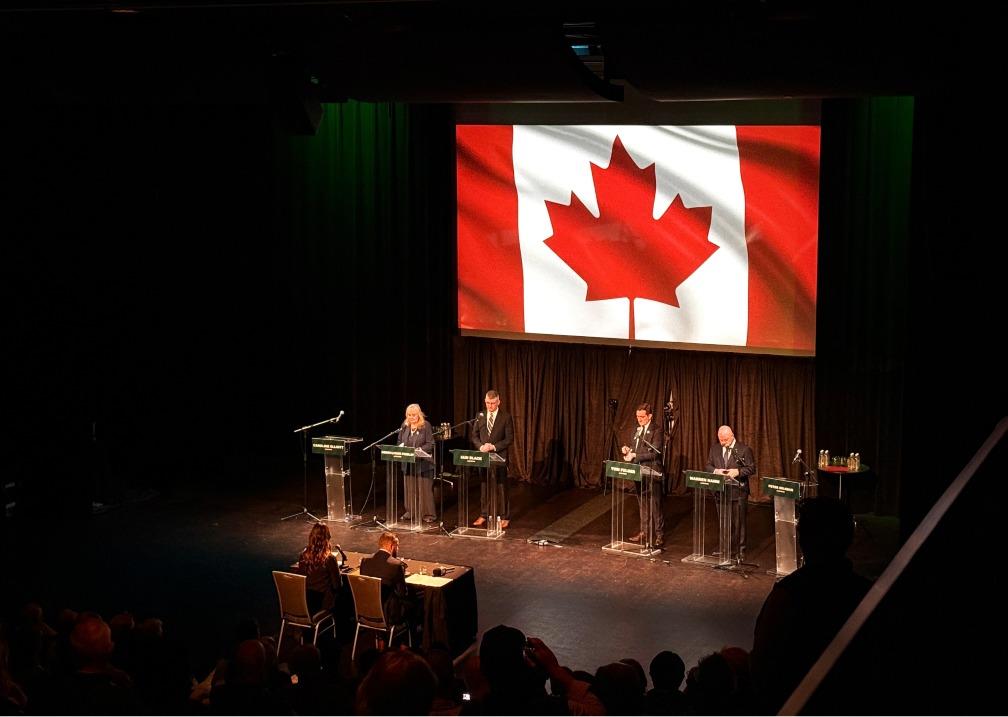
StreamCity provided on-site audio and recording support for a Vancouver panel event that required clear live sound, wireless microphones, audience Q&A support, and technical operation during the program.
The event took place in a pop-up event environment, which meant the setup needed to be practical, clean, and efficient.
The main priority was simple:
Make sure every voice in the room could be heard clearly and that the panel could be recorded properly.
The Event Need
Panel events can look simple from the outside.
A few chairs.
A few microphones.
A room full of people.
But once the conversation starts, the audio plan matters.
For this event, the setup needed to support:
* Four panelists
* A moderator
* Wireless microphones
* Audience Q&A
* Live room audio
* Event recording
* Setup before the event
* Operation during the program
* Teardown after the event
The venue had some house gear available, but the event needed additional microphone support and live audio management to make the panel and Q&A work properly.
The setup window was limited, so the plan had to be organized, efficient, and ready to move quickly once StreamCity arrived on site.
The event did not need to be overbuilt.
It needed clear speech audio, a working Q&A flow, a reliable recording, and a setup that could be executed within the available install window.
For similar events, StreamCity’s AV support for live events can help organizers plan the right microphone setup, live room audio, recording needs, and on-site technical support before event day.
Services Provided
StreamCity supported the event with:
* On-site audio support
* Wireless microphone setup
* Panel microphone support
* Audience Q&A microphone support
* Live room sound management
* Event recording
* Audio setup and testing
* Technical operation during the panel
* Setup and teardown
* Additional microphone planning beyond the venue’s available gear
* Support within a limited setup window
This was a live speech-audio job with recording support.
The focus was not on adding unnecessary equipment. The focus was on making sure the conversation could be heard clearly in the room and captured properly for recording.
How StreamCity Executed the Setup
Before the event, StreamCity reviewed the panel format, room needs, microphone count, Q&A flow, and recording requirements.
The main questions were:
* How many people were speaking?
* Did each panelist need a microphone?
* Did the moderator need a dedicated microphone?
* Would the audience ask questions?
* How many Q&A microphones were needed?
* Was the venue sound system enough for the room?
* Were extra wireless microphones needed?
* How much setup time was available?
* Who was managing audio once the program was live?
* How did the recording need to be captured?
On-site, StreamCity focused on a clean and practical setup.
This included preparing the wireless microphones, checking the room audio, testing each microphone, confirming the Q&A flow, setting levels for spoken-word clarity, confirming the recording setup, and monitoring the sound throughout the panel.
During a live panel, people speak at different levels. Questions come from different parts of the room. The moderator needs to keep the conversation moving. The audience needs to hear the answer, not just see who is talking.
StreamCity’s role was to stay with the audio during the program, not just set it up and walk away.
For events that also need remote viewers or online access, StreamCity can also support livestreaming services and hybrid event support so people outside the room can follow the program clearly.
Result
The event received practical, short-notice audio and recording support for a live panel discussion in Vancouver.
StreamCity helped support:
* Clear speech audio
* Panel microphones
* Moderator support
* Audience Q&A
* Live room sound
* Event recording
* Setup, operation, and teardown within a limited setup window
The final setup gave the event the audio and recording support it needed without making the production larger than necessary.
Questions to Ask Before Planning Panel Audio
How many microphones does a panel discussion need?
It depends on the number of speakers, whether there is a moderator, and whether the audience will ask questions. A four-person panel may need individual microphones for each speaker, a moderator microphone, Q&A microphones, and a backup option.
Is venue audio always enough for a panel event?
Venue audio can be helpful, but it should still be checked against the actual event format. A panel with multiple speakers, audience Q&A, and recording needs may require additional microphones, audio management, or a technician staying with the room during the program.
Should audience Q&A be planned before the event?
Yes. Audience Q&A can affect the microphone plan, room layout, audio levels, and timing. It is easier to plan Q&A before the event than to solve it once the room is full.
Can a panel event be recorded at the same time?
Yes, but the recording setup should be confirmed before the program starts. Clean speech audio is especially important if the recording will be used afterward for review, archive, internal use, or future content.
What details should organizers send before asking for audio or AV support?
Helpful details include the event date, venue, number of speakers, audience size, whether there is a moderator, whether audience Q&A is planned, what the venue already provides, whether recording is needed, and how much setup time is available.
Planning a Panel or Speaker Event in Vancouver?
If you are planning a panel, speaker event, moderated discussion, brand activation, or professional event in Vancouver or the Lower Mainland, it helps to confirm the audio plan before event day.
Not every event needs a full livestream or large production setup. Sometimes the most important thing is enough microphones, clear speech audio, Q&A support, recording, and someone managing the audio while the event is live.
Useful details to send include:
* Event date
* Venue or location
* Number of speakers
* Whether there is a moderator
* Audience size
* Whether audience Q&A is part of the program
* Whether the venue has microphones or house sound
* Whether the event needs to be recorded
* How much setup time is available
* What needs to happen during the program
StreamCity can help you understand what level of audio, AV, livestreaming, hybrid, or event recording support makes sense before the event.
Contact StreamCity to send the event details:
AV support for live events
livestreaming services
Contact StreamCity