Going live is never just about pressing “start.”
By the time an event reaches the livestream, a lot of small details have already had to line up: the room, the microphones, the slides, the internet, the speakers, the schedule, and the people watching online.
When those details are clear, the event feels smooth.
When they are not, the problems usually show up at the worst possible time.
The microphone works in the room, but not on the stream.
The internet is available, but it has not been tested from the actual production location.
The slides are ready, but the video audio is not routed properly.
The program changes, but the technical team does not have the updated run of show.
The online audience joins, but cannot clearly follow what is happening.
These are the kinds of things a technical run-through or site walkthrough is meant to catch before event day.
It does not always need to be a full rehearsal. Sometimes even a focused 45-minute walkthrough can make a big difference. It gives the organizer, venue, and technical team a chance to confirm the room layout, internet access, audio plan, camera positions, presentation flow, accessibility needs, and who is responsible for last-minute decisions.
For event organizers, the goal is not just to have a livestream.
The goal is to make sure everyone is working from the same plan before the audience arrives.
Here are the key things to check before your event goes live.
Confirm what the online audience needs to see and hear
Before getting into equipment or platforms, start with the audience.
What does the person watching online need in order to follow the event properly?
For some events, the answer is simple: they need to see and hear the main speaker. For other events, they may need to follow slides, panelists, audience questions, ASL interpretation, captions, sponsor recognition, or different parts of the room.
Before the event, it helps to confirm:
- Who needs to be seen on camera
- Who needs to be heard clearly
- Whether slides or videos need to appear online
- Whether audience questions need to be captured
- Whether ASL, captions, or interpretation are needed
- Whether the event needs to be recorded
- Whether the recording will be shared afterward
This matters because livestreaming is not just about showing the room. It is about creating a clear experience for the people who are not physically there.
For public events, conferences, ceremonies, panels, and hybrid programs, professional Live Streaming Services can help connect the technical setup with the actual flow of the event.
Do a technical run-through before event day
A technical run-through is one of the most useful steps before a livestreamed or hybrid event.
It gives everyone a chance to walk through the event in real terms, not just on paper.
Where will the speakers be?
Where will the cameras go?
Where is the internet connection?
Who is advancing slides?
Where does the livestream team sit?
What happens if the schedule changes?
These details are much easier to solve before the event begins than during the program.
During a walkthrough, organizers and the technical team can confirm:
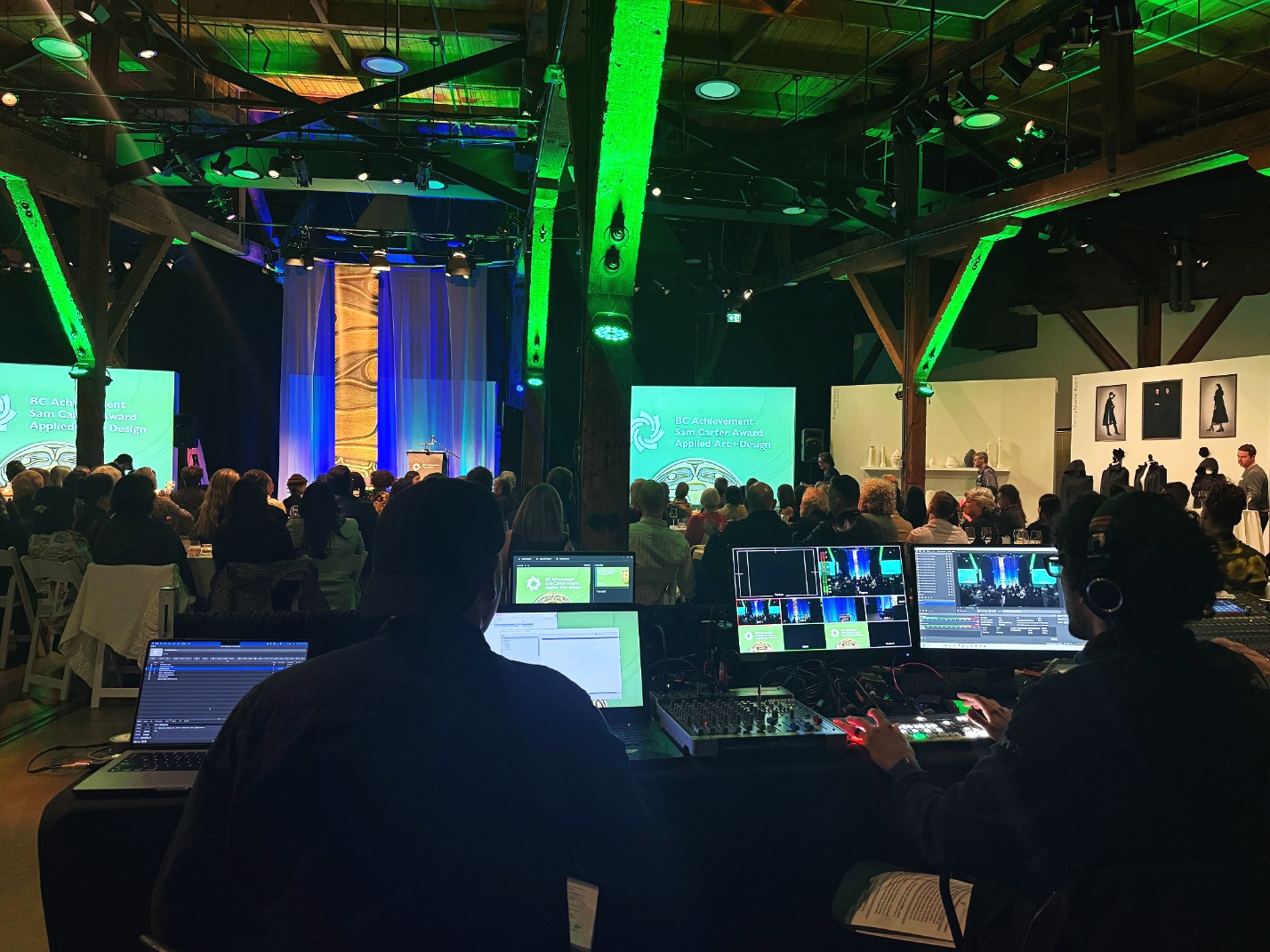
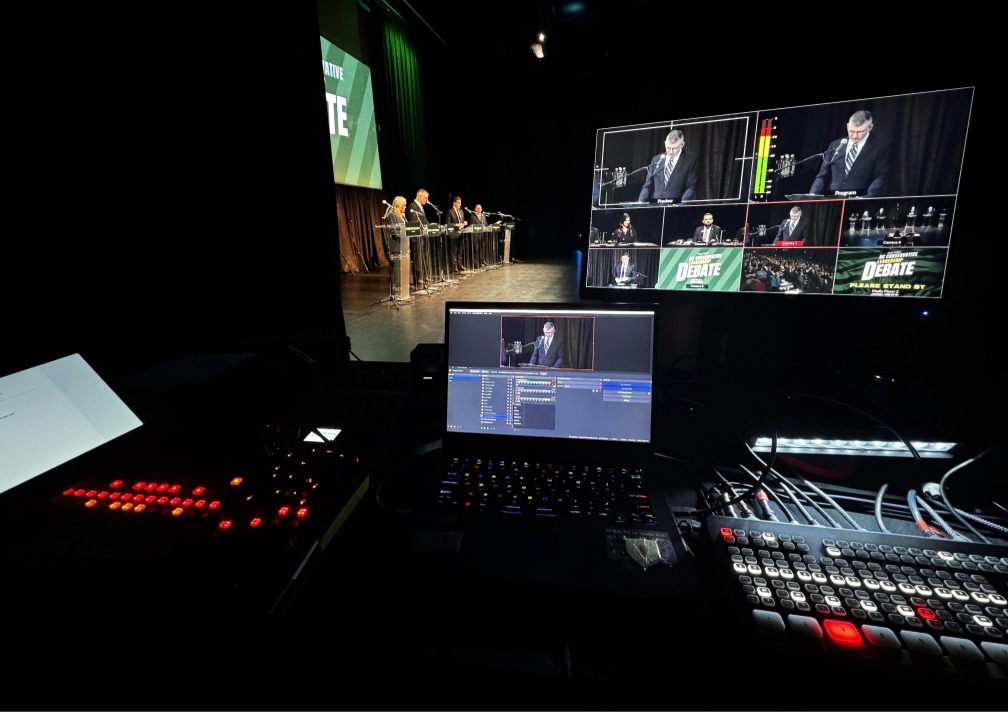
- Where the livestream team will be positione d
- Where cameras can be placed without blocking guests
- Where the internet connection is located
- How microphones will be routed to the stream
- Where speakers, panelists, or presenters will stand or sit
- How slides, videos, or screen content will be shown
- Whether ASL, captions, or interpretation need to be included
- Who is advancing slides
- Who the main point of contact is during the event
- Whether everyone is working from the same version of the run of show
That last point is important.
If the planner, speakers, venue team, and technical crew are using different versions of the schedule, confusion can happen quickly. A speaker may be added. A video may move. A land acknowledgement may shift. A panel may start earlier than expected.
The technical team does not need to control the event.
But they do need the current version of the plan.
A livestream is only as strong as the communication before it starts.
Test audio before anything else
Audio is one of the biggest risks in a livestreamed or hybrid event.
People watching online may accept a simple camera angle, but if they cannot hear the speaker clearly, they will miss the event.
Before going live, organizers should confirm:
- Every speaker microphone works
- Panelists can be heard clearly
- Audience questions can be captured if needed
- Presentation or video audio is routed properly
- The livestream is receiving clean audio
- The in-room sound and online sound have both been checked
This is especially important for conferences, award ceremonies, town halls, panels, and events with multiple speakers.
The room can sound fine to people attending in person while the livestream audio still has problems. That disconnect is one of the most common issues in hybrid events.
A proper audio check should include the actual microphones, actual speakers, presentation playback, and the livestream feed — not just a quick “can you hear me?” in the room.
Confirm the internet connection from the Tech table location
A livestream depends on a stable internet connection.
That connection should not be assumed.
Before the event, organizers should confirm:
- Whether wired internet is available
- Where the connection point is located
- Whether the connection has been tested
- Whether the network is shared with guests or vendors
- Whether there is a backup plan if the connection drops
Venue Wi-Fi may be fine for general use, but that does not always mean it is reliable enough for a live broadcast.
The better question is:
Has the internet been tested from the actual place where the livestream team will work?
Not from the lobby.
Not from a phone.
Not only based on what the venue says.
From the production location.
That one check can prevent a lot of stress on event day.
Review the speaker and program flow
Livestream issues are not always technical.
Sometimes the issue is timing.
A speaker starts before the camera is ready.
A panel begins before microphones are active.
A video plays without warning.
A presenter changes slides from a different laptop.
An audience Q&A begins without a plan for capturing questions.
These moments may feel small in the room, but they can be confusing for people watching online.
Before going live, organizers should review:
- Start time
- Welcome remarks
- Speaker order
- Panel transitions
- Slide changes
- Video playback
- Audience questions
- Breaks
- Closing remarks
A current run of show should be shared with the technical team before the event begins. If the schedule changes, the production team should receive the same updated version as the organizer, speakers, and venue team.
This helps prevent small misalignments, like a speaker starting early, a video playing without warning, a slide appearing at the wrong moment, or a livestream transition being missed.
The goal is simple:
Everyone should be working from the same version of the event.
Check slides, videos, and screen content
Presentation content should be tested before the event begins.
This includes more than the main slide deck.
Organizers should confirm:
- Which laptop or source is running the presentation
- Whether the slides are final
- Whether embedded videos play properly
- Whether video audio is needed
- Whether slides need to appear on the livestream
- Whether the online audience can read the slides clearly
- Who is advancing slides
- Whether backup files are available
The more presenters involved, the more important this becomes.
Different file formats, missing fonts, last-minute updates, and untested videos can all slow down the event.
A simple rule helps:
The more moving parts in the presentation, the earlier everything should be tested.
Prepare opening slides, acknowledgements, and accessibility elements
Some event details are not purely technical, but they still affect the live experience.
Before going live, organizers should confirm whether the program needs supporting slides, accessibility elements, or prepared visual materials.
This may include:
- Opening title slide
- Holding slide before the event begins
- Land acknowledgement slide
- Sponsor or partner recognition slides
- Break slide
- Closing slide
- ASL interpretation needs
- Captioning support
- Translation or interpretation details
- Accessibility instructions for online viewers
These items are easier to manage when they are prepared before event day.
Some program elements may be finalized close to the event, so having clean visual support ready can help the opening and transitions feel smoother.
For hybrid and livestreamed events, these details also help remote viewers understand what is happening during pauses, transitions, or program changes.
Confirm music and media permissions
If music, videos, or other media will be used during the event, organizers should confirm whether those materials are appropriate for livestreaming, recording, or public replay.
Music that works in the room may not work the same way online.
Before going live, confirm:
- Whether music will be played before, during, or after the event
- Whether videos include music or third-party media
- Whether the stream platform may flag copyrighted audio
- Whether the recording will be shared publicly afterward
- Whether approved or licensed music should be used instead
This helps reduce the risk of muted sections, platform issues, or problems with the recording after the event.
A simple media check before the event can prevent avoidable surprises later.
Decide what happens if something changes
Every live event needs flexibility.
Speakers run late.
Programs shift.
Slides get updated.
A microphone is added.
A sponsor slide changes.
Someone asks for a video at the last minute.
The question is not whether something will change.
The question is whether the team knows how to respond.
Before going live, organizers should confirm:
- Who can approve last-minute changes
- Who communicates with the production team
- What happens if the schedule shifts
- What the backup plan is for audio, internet, or presentation issues
- Who makes the final call if something needs to be simplified
Clear communication matters.
When too many people give direction at once, the event becomes harder to manage. A single point of contact helps the technical team stay focused and respond quickly.
Make sure the online viewer has a clear path
For hybrid and livestreamed events, the viewer experience starts before the program begins.
Organizers should confirm:
- Where viewers access the stream
- Whether the link has been tested
- Whether viewers need a password or registration
- Whether captions, ASL, or interpretation will be available
- Whether the stream will be recorded
- Whether the recording will be shared after the event
- Whether viewers know what to do if they need help
This is part of the event experience.
If viewers cannot find the stream, hear the program, or understand what is happening, the event will not feel successful from their side.
The stream may technically be running, but the audience experience still matters.
Do a final pre-live check
Before the event begins, the team should run through one final check.
This does not need to be complicated, but it should be intentional.
A strong pre-live check includes:
- Camera framing
- Speaker microphones
- Livestream audio feed
- Presentation content
- Video playback audio
- Internet connection from the production location
- Stream destination
- Recording status
- Program timing
- Current run of show
- Opening or holding slides
- Land acknowledgement or recognition slides
- ASL, captioning, or interpretation needs
- Music and media permissions
- Main point of contact
- Backup plan for changes
- Communication between organizer, venue, and technical team
The best live events often feel smooth because the details were checked before anyone was watching.
Why these checks matter
A livestreamed or hybrid event is not only judged by what happens in the room.
It is judged by whether people watching online can follow the event clearly.
Can they hear the speakers?
Can they see the slides?
Can they understand transitions?
Can they access captions, interpretation, or ASL if needed?
Can they stay connected without confusion?
Most livestream problems are easier to prevent before the event begins.
That is why live streaming support is not just about cameras and a stream link. It is about planning, coordination, audio, timing, accessibility, media, communication, and event-day reliability.
Planning a livestreamed or hybrid event in Vancouver?
A smooth livestream starts before the event begins. StreamCity helps organizers prepare the technical side of the event, including audio, video, slides, run of show, livestream setup, and on-site coordination.
Learn more about On-Site AV Support
Q&A
What should organizers check before livestreaming an event?
Organizers should check audio, internet, camera framing, slides, speaker flow, stream access, accessibility needs, music/media permissions, recording plans, the run of show, and backup options before the event begins.
Why is a technical run-through important before a livestreamed event?
A technical run-through helps organizers and the production team confirm the room setup, audio, internet, slides, speaker flow, accessibility needs, and run of show before the event begins. It helps catch small issues before they affect the audience.
Does every livestreamed event need a full rehearsal?
Not always. Some events benefit from a full rehearsal, but many can still avoid problems with a focused walkthrough before event day. Even a short site visit can help confirm the key technical and program details.
Why does the technical team need the run of show?
The technical team needs the current run of show so they know what is happening next. This helps them prepare cameras, audio, slides, livestream transitions, recordings, and accessibility support at the right time.
Why is audio so important for livestreamed events?
Audio is one of the most important parts of a livestream because online viewers need to hear speakers clearly. If the audio is poor, remote viewers may miss key information even if the video looks fine.
Should a venue’s Wi-Fi be tested before a livestream?
Yes. The internet connection should be tested from the actual production location before the event. Venue Wi-Fi may be available, but that does not always mean it is stable enough for a live broadcast.
Can copyrighted music be used during a livestreamed event?
Music and media should be checked before the event to confirm whether they are appropriate for livestreaming, recording, or public replay. Some platforms may flag, mute, or restrict streams that include copyrighted audio.
Should land acknowledgement slides be prepared before the event?
Yes. If a land acknowledgement is part of the program, preparing a slide in advance can help the opening run smoothly and avoid last-minute scrambling.
Should ASL, captions, or interpretation be planned before a hybrid event?
Yes. Accessibility needs such as ASL interpretation, captions, translation, or viewer instructions should be confirmed before the event so both in-person and online audiences can follow clearly.
What is one of the biggest mistakes organizers make with hybrid events?
One common mistake is planning mainly for the in-room audience and treating the online audience as secondary. Hybrid events need a clear plan for both audiences.
When should organizers involve a live streaming team?
Organizers should involve a live streaming team early enough to review the room setup, internet, audio, presentation needs, accessibility requirements, program flow, viewer experience, and backup plans before event day.