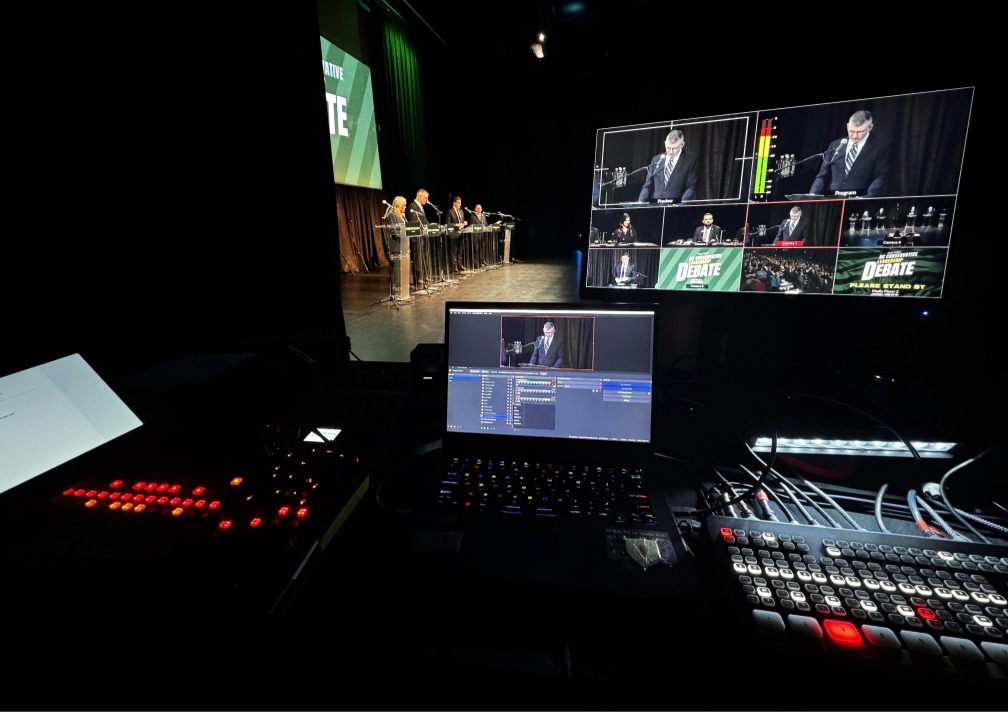
One of the easiest mistakes in live event planning is assuming a multi-speaker event will be simple because the format looks familiar.
A moderator. A few speakers. Some microphones. Maybe a livestream.
But debates, forums, panel discussions, and town halls usually require much more coordination than organizers first expect. The event may look clean and straightforward from the audience side, yet still depend on dozens of technical and production decisions behind the scenes.
If you are planning a multi-speaker live event, here are the areas that deserve more attention early.
The Format Changes the Production Plan
The first question should not be, “Can we stream this?”
It should be, “What kind of event are we actually building?”
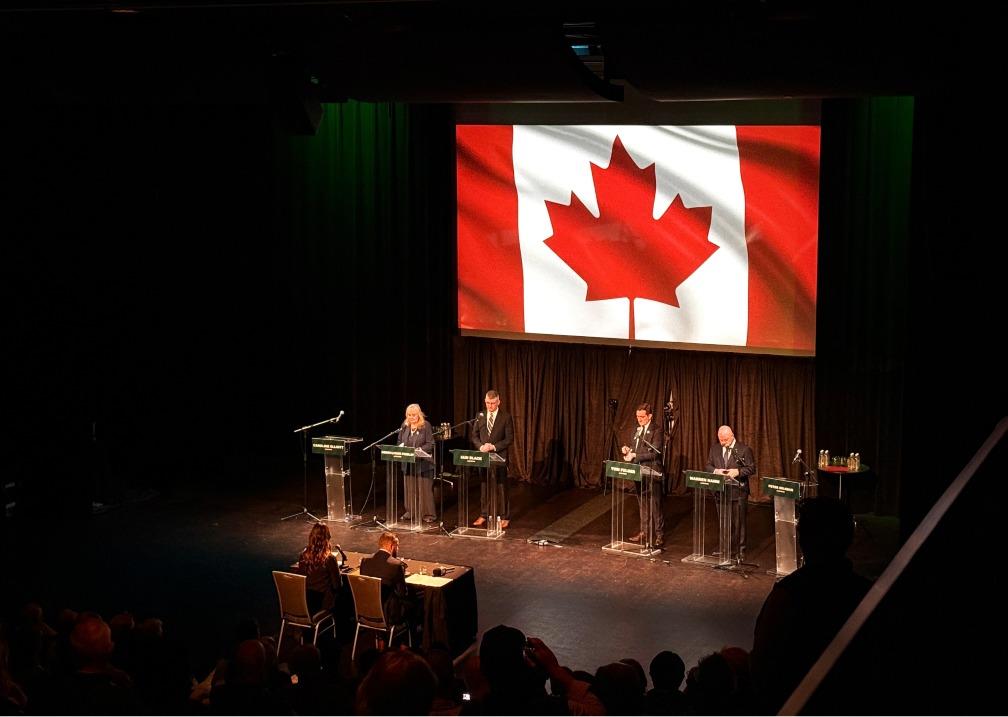
A panel discussion, debate, and town hall may all involve multiple people on stage, but they create different production needs. A debate often needs faster switching and clearer speaker coverage. A panel may need more balanced group framing. A town hall may add audience interaction. Starting with the event format helps shape the right camera plan, graphics approach, microphone layout, and stage flow before decisions start piling up.
Coverage Gets Harder as Soon as There Are Multiple Voices
A one-camera setup can document a room, but it usually does not create the strongest viewer experience for a serious multi-speaker event.
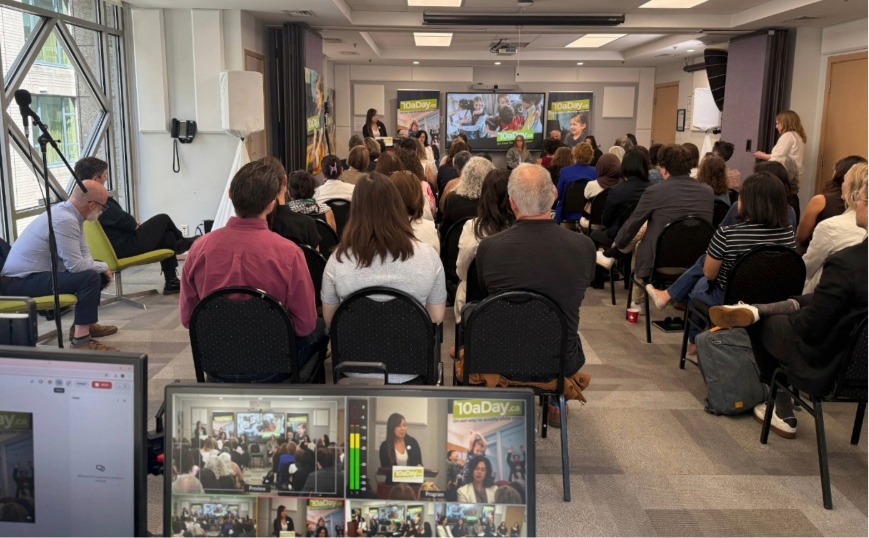
When several people need to be seen clearly, the production team has to think about wide coverage, speaker focus, moderator visibility, transitions, and the overall rhythm of the event. Those decisions affect how easy the stream is to follow and how professional it feels once it goes live.
Venue Conditions Matter More Than People Think
Many event-day problems start with one bad assumption: that the production team can simply plug into the venue and go live.
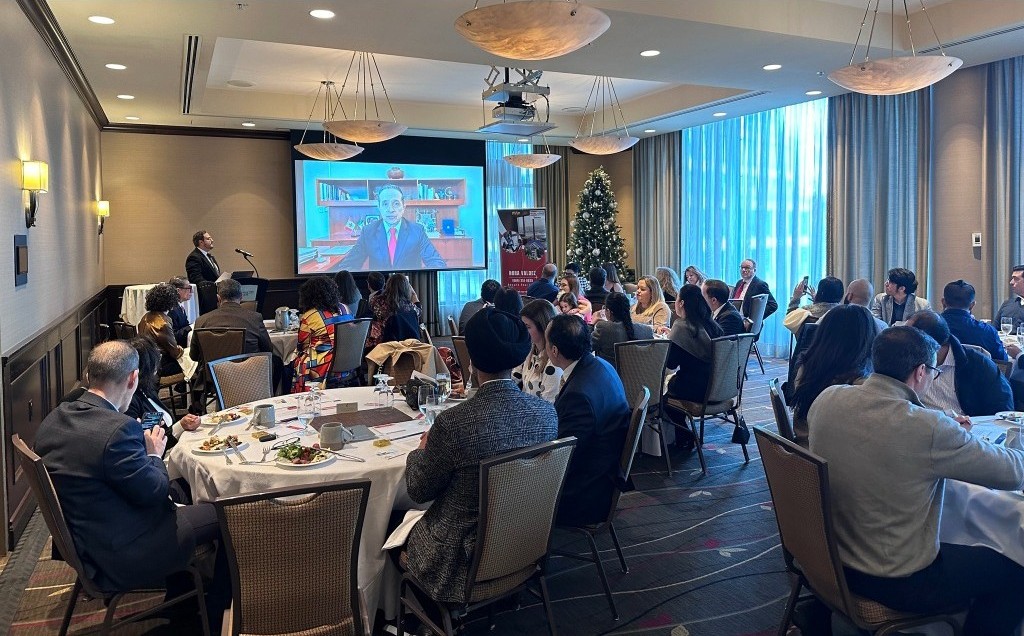
In reality, venues often have their own technical supervision requirements, approved patching points, network rules, and house-system workflows. Those details directly affect setup, routing, control position, and how responsibilities are divided between the venue team and the livestream team. Confirming those conditions early is one of the simplest ways to reduce avoidable friction later.
Audio Clarity Depends on Clear Responsibility
For viewers, weak audio is usually more damaging than imperfect visuals.
That is why organizers should confirm early who is handling moderator microphones, speaker microphones, lecterns if used, and the handoff from house audio to the livestream production team. A vague split of responsibilities creates confusion. A clear split creates confidence.
The Stream Needs Visual Structure Too
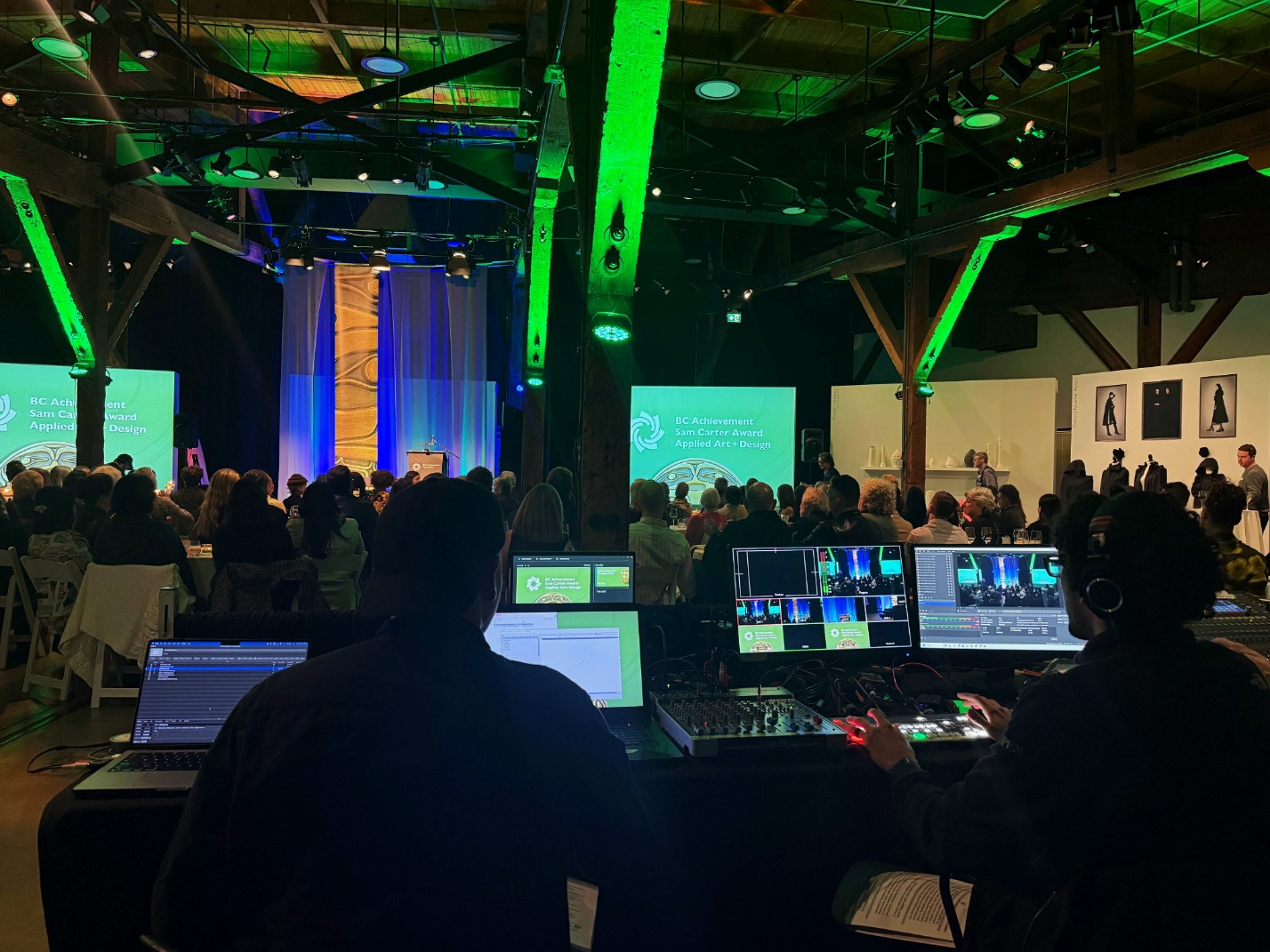
A professional livestream usually includes more than camera shots.
Lower thirds, title graphics, holding slides, and playback support all help a stream feel organized and easier to follow. That becomes even more valuable when the event includes timed segments, moderated exchanges, or formal transitions between speakers. Viewers may not consciously notice every element, but they do notice when the overall production feels prepared.
Recording Should Be Part of the Plan From the Start
Organizers often focus on the live moment and treat recording as a bonus.
In practice, the recording may become one of the most useful outcomes after the event ends. It can support archives, recaps, short excerpts, internal review, or future content. That is why recording should be treated as part of the production plan from the beginning, not added as an afterthought.
Early Planning Is What Makes the Event Feel Calm Later
The smoothest live events usually feel calm because the hardest decisions were made early.
Camera positions, internet access, control location, venue integration, audio handoff, graphics prep, and recording strategy all affect how stable the final production feels. This is exactly why StreamCity’s current strategy continues to emphasize planning, walkthroughs, and reliable event-day execution as part of its core service lane. The content should not just document events. It should help buyers understand why preparation matters.
Planning a debate, forum, panel, or town hall? Explore StreamCity’s Live Streaming Services or contact the team to talk through your event.
Common Questions About Multi-Speaker Live Event Planning
Why do multi-speaker events need more planning than standard presentations?
Because camera coverage, microphone layout, graphics, recording, and switching all become more complex once multiple people are involved.
How many cameras do you need for a debate or panel discussion?
It depends on the format, but most serious multi-speaker events benefit from more than one camera so viewers can follow the conversation clearly.
Can venue audio be used for the livestream?
Yes, as long as the handoff is coordinated clearly and responsibilities are confirmed in advance.
Do multi-speaker livestreams need graphics and lower thirds?
Not always, but they usually help the stream feel clearer, more polished, and easier for viewers to follow.
Should a livestreamed event also be recorded?
Yes. A recording creates ongoing value for organizers after the event ends.
What should organizers confirm with the venue before event day?
Audio access, internet delivery, control position, patching, setup timing, and technical supervision requirements.
What is the biggest planning mistake organizers make with live forums or debates?
Underestimating how much coordination is needed between format, venue conditions, and livestream production.
Can StreamCity support multi-speaker live events?
Yes. StreamCity supports debates, forums, panels, and other multi-speaker events with livestream production, graphics, recording, and event-day support.
If you are planning a multi-speaker live event, StreamCity can help with livestream production, planning, and reliable event-day execution.
Visit the Live Streaming Services page, browse more Blog articles, or contact the team to discuss your event.
https://www.streamcity.ca/
https://www.streamcity.ca/live-streaming-services/
https://www.streamcity.ca/form/
https://www.streamcity.ca/blog/
https://www.streamcity.ca/blog/category/blog/
https://www.streamcity.ca/blog/category/case-studies/