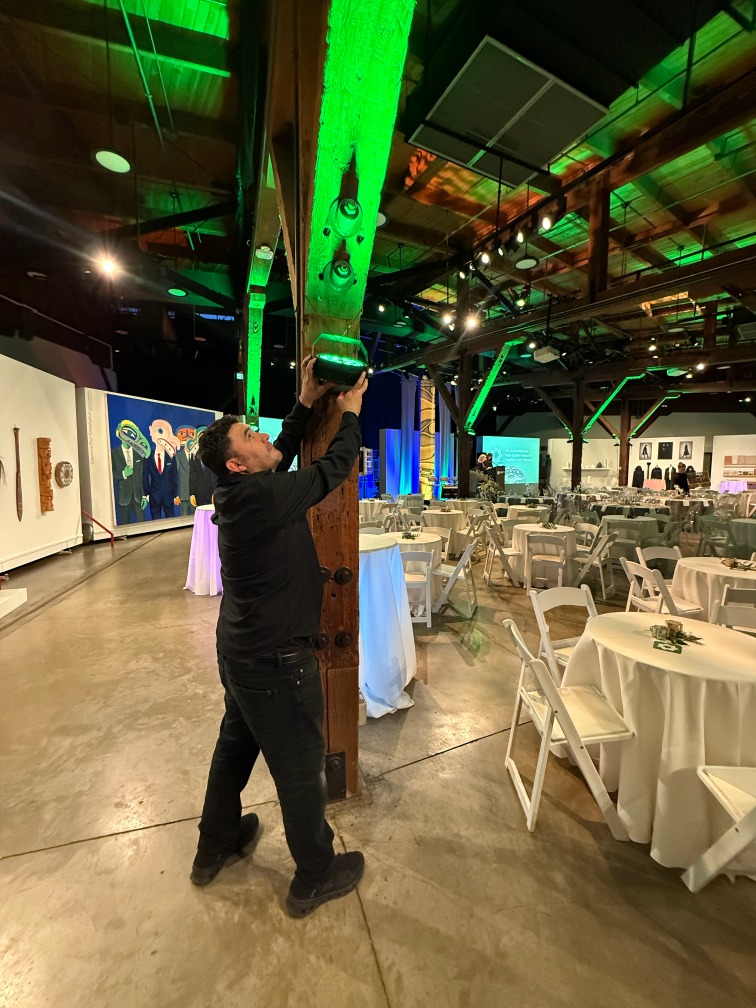
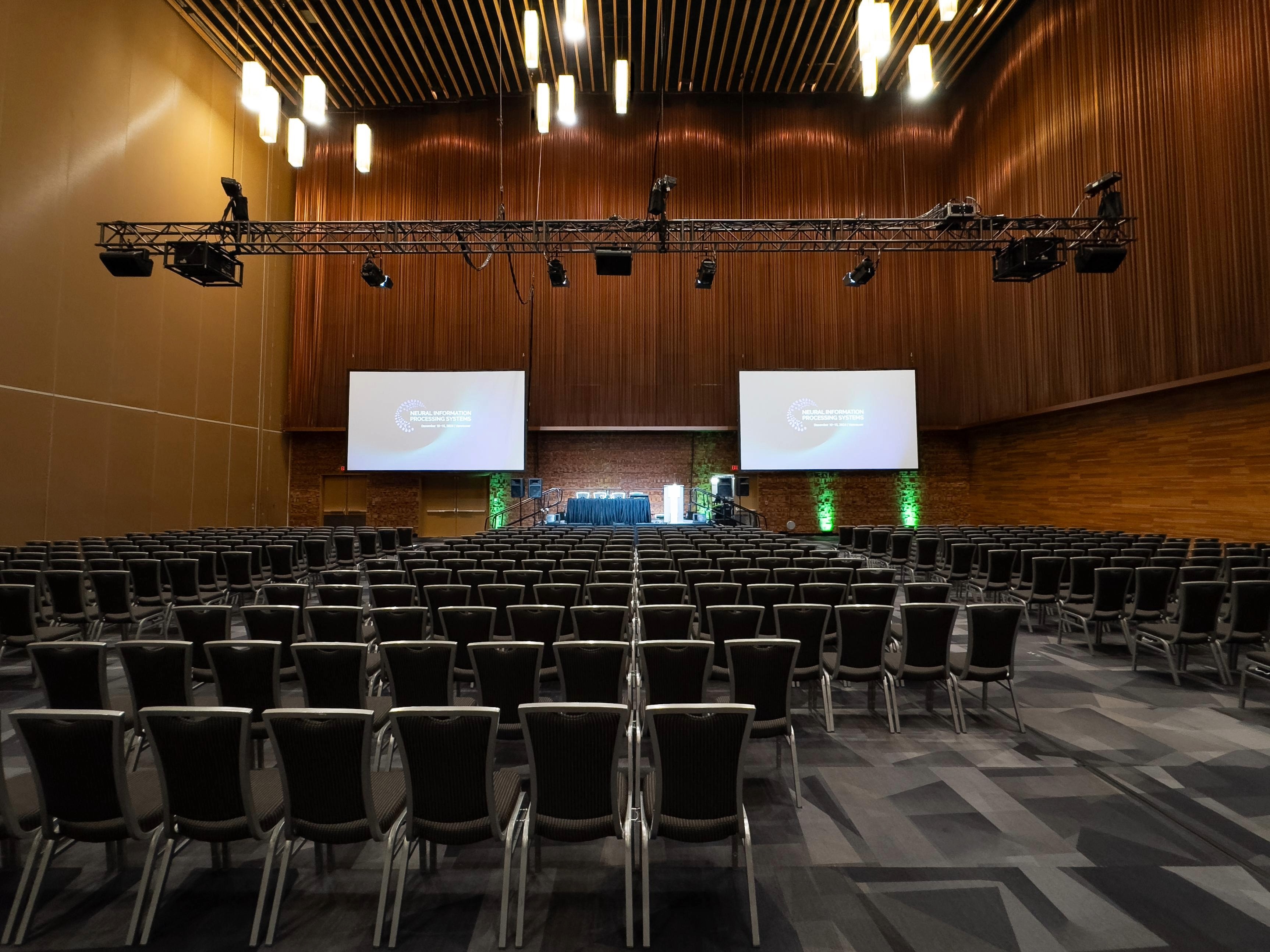
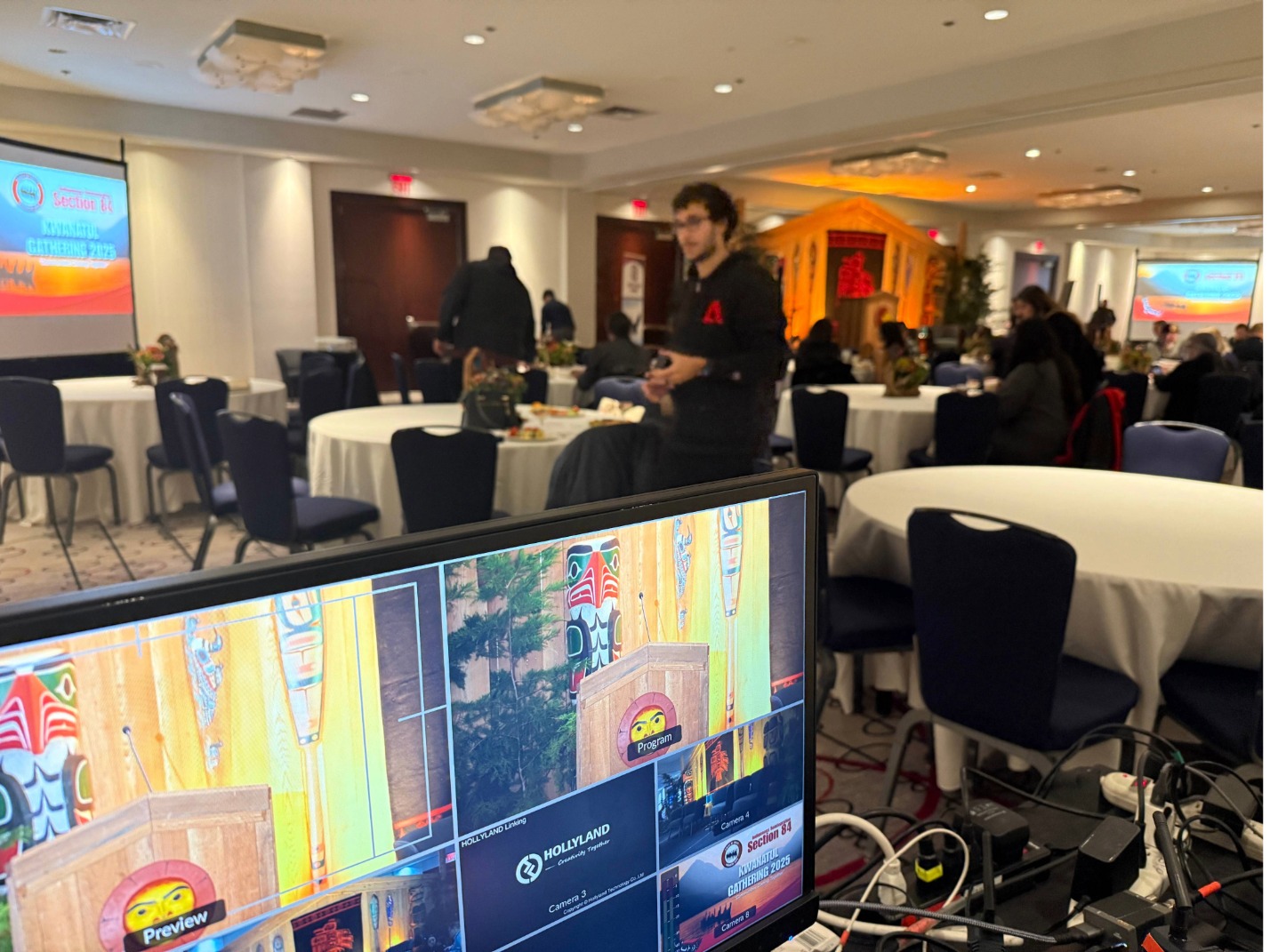
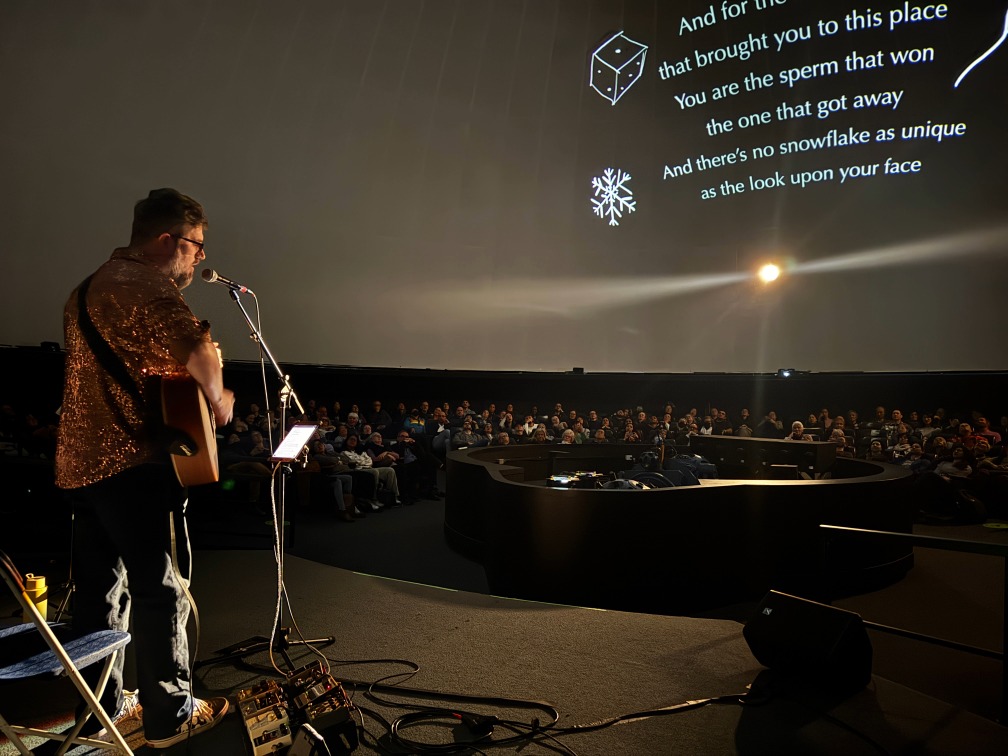
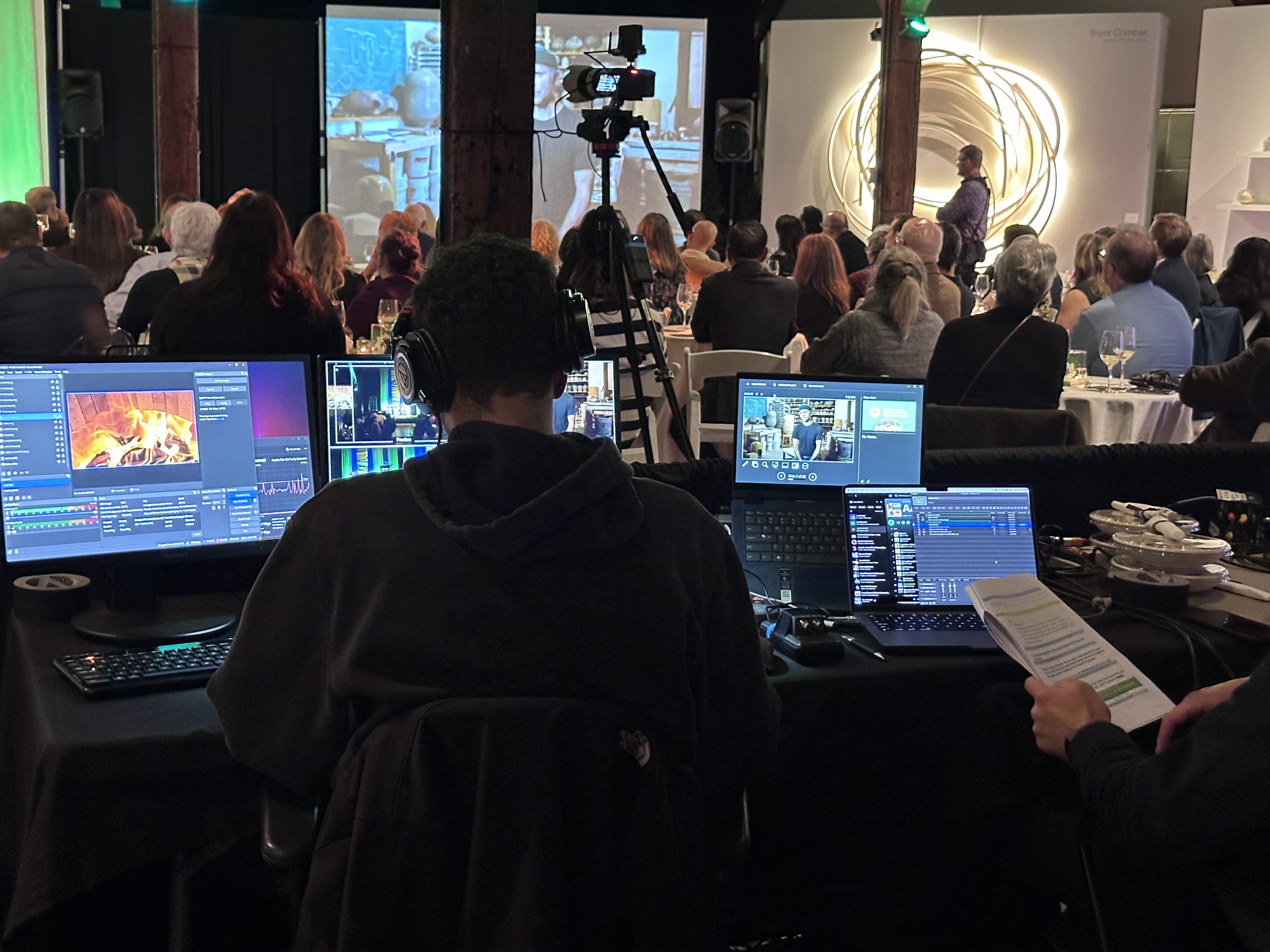
A 45-minute site walkthrough is the fastest way to remove uncertainty before show day — especially in hotel ballrooms, private clubs, theatres, and convention-style spaces.
If you’ve ever had a speaker arrive with a new deck right before doors, or heard “internet is available” without anyone being able to tell you where it lands, you already understand why this matters.
We’ve supported events in Vancouver venues including places like the Vancouver Convention Centre, Hyatt Regency Vancouver, Vancouver Men’s Club, and Parq Vancouver / JW Marriott. The pattern is consistent: the venue can be excellent, but the event runs smoothly only when the technical plan is confirmed and someone owns the flow.
Who this is for
This is for planners producing conferences, corporate programs, panels, awards, presentations, and hybrid events in Vancouver — and you want the day to run cleanly without you becoming the tech middle-person.
You shouldn’t have to translate tech between the venue, presenters, and stakeholders. A walkthrough is how we reduce that load.
What you leave with after a walkthrough
A walkthrough replaces “we think it’ll be fine” with “we know exactly how this runs.”
You’ll typically walk away with:
– A confirmed “tech home base” (where production actually lives during the show)
– A clean plan for slides and video playback (who cues what, from where)
– A practical audio approach (mics, Q&A flow, handoffs, coverage reality)
– A load-in plan that confirms the path, timing, and staging area
– An internet plan you can trust (including whether it’s suitable for livestreaming)
– A short list of venue questions and action items so nothing gets missed
Why planners get burned without a walkthrough
Most event stress isn’t caused by one dramatic failure. It’s caused by small unknowns that show up at the worst possible time — when the room is live and decisions are suddenly expensive.
Here’s what that looks like in real life:
– The presenter’s laptop doesn’t match the venue’s input connection
– A video plays, but there’s no confirmed audio routing into the room system
– Q&A is “quick,” but nobody decided where the mic lives or how it’s managed
– The tech table is placed where sightlines are poor or power is limited
– The venue is fine with a setup, but only if specific safety rules are followed — and no one confirmed them
– Load-in is tighter than expected because the dock, elevator, or access route has a time window
A walkthrough is how you find these things early — when they’re easy to solve calmly.
What a walkthrough actually looks like (no fluff)
It’s a short, practical site visit. We walk the room with the venue contact (technical coordinator when available) and confirm the details that affect execution.
We look at:
– Where production sets up and how we run cable cleanly
– Sightlines and camera positions (if recording or livestreaming is involved)
– What the venue provides vs what needs to be brought in
– Presenter workflow (how speakers will actually deliver content)
– Audio realities (where mics work best and how Q&A should flow)
– Load-in timing, loading bay access, elevators, and restrictions
– Internet options and where the hardline physically connects
– Any room flip timing that affects when tech can be placed and tested
And yes — we take reference photos and confirm details that reduce back-and-forth later.
The venue questions that protect your show day
These aren’t “extra.” These are the questions that turn a plan into an executable plan.
Slides and playback
Who is cueing slides and videos during the program?
Where does that operator sit, and do they have clean sightlines to stage?
What is the backup plan if a presenter arrives with a new file last minute?
If video is involved, how is audio routed into the room system?
Audio and Q&A
What mic types are available and what’s the best setup for your format?
If Q&A is planned, where does the mic live and who manages audience flow?
Is there a practical spot for Q&A that avoids bottlenecks or safety issues?
If you’ve used runners before, is lighting acceptable for on-camera questions?
Load-in and access
What loading bay do we use, and at what time?
What’s the actual path to the room (doors, elevators, stairs), and what are the constraints?
Where can cases stage without blocking public access?
Where are power drops, and what cable runs are acceptable in this space?
Internet (especially for livestreaming or hybrid)
Is there a hardwired ethernet option? Is it restricted or filtered?
Where does the network drop physically land, and how close is it to the tech position?
Can we run a speed test onsite to confirm stability, not just availability?
If the network has issues, what is the fallback plan?
Walkthroughs with you or without you
Some planners attend the walkthrough. Some prefer not to. Both are completely normal.
If you want to be there, we’ll walk it together and translate the technical decisions into planning language.
If you don’t want another meeting on your calendar, we can do the walkthrough on your behalf, document it clearly, and bring you the decisions that matter.
Either way, the goal is the same: remove guesswork and make execution predictable.
“Let us talk shop with the venue” (what that really means)
Once we’re involved, we can take the technical conversation off your plate.
That means:
– Liaising with the venue’s technical contact
– Confirming load-in logistics and access windows
– Aligning playback, mic flow, and show pacing with the room’s realities
– Making sure your vision is supported by what the venue can actually deliver
– Turning “we should be fine” into “we’ve confirmed it”
Planners don’t need more tech jargon. They need a clear plan that holds up on show day.
A note on venue AV and outside AV
Many venues have in-house AV options, and sometimes that’s the right fit.
The real question isn’t “in-house vs outside.”
The real question is: who owns the outcome?
When you bring a dedicated outside team, the focus is usually tighter on your show flow, cueing, pacing, and the decisions that keep the day smooth — especially when you have multiple speakers, multiple media moments, or any hybrid element.
If you’re booking a Vancouver venue and want to confirm the technical approach before details get messy, send us:
– Venue name (or shortlist)
– Guest count and room type
– Program format (speeches, panels, awards, playback, hybrid)
Contact / Request availability: https://www.streamcity.ca/form/
Live Streaming Services: https://www.streamcity.ca/live-streaming-services/
What this prevents (in plain terms)
A walkthrough prevents “figure it out live” moments.
It reduces last-minute changes turning into delays.
It reduces the back-and-forth between you, speakers, and the venue.
It helps you set expectations early so decisions don’t get forced on show day.
It gives you a plan you can communicate clearly to everyone involved.
The takeaway
A venue can be impressive and still leave gaps in the execution details.
A 45-minute walkthrough is how you close those gaps early — so the event runs dialed-in, speakers stay confident, and you’re not troubleshooting while trying to host.
Planning an event in Vancouver and want to confirm the technical approach before everything gets locked in?
Start here: https://www.streamcity.ca/form/
Learn more about StreamCity: https://www.streamcity.ca/
Explore livestreaming services: https://www.streamcity.ca/live-streaming-services/
Q&A
When should we do a walkthrough?
A walkthrough is most useful once the venue is chosen or short-listed and you have a basic program format. The earlier you confirm the execution details, the fewer compromises you’ll face later.
Can we bring an outside AV team into a hotel or venue?
Often yes, but it depends on the venue. The key is confirming policies early and aligning roles so everyone knows who owns what.
What should we send you first so you can advise quickly?
Venue name (or shortlist), guest count and room type, and program format. With that, we can give a real next step instead of vague guesses.
Do we need to do an internet speed test onsite?
If livestreaming or hybrid is involved, yes. “Internet available” doesn’t always mean stable, hardwired, or suitable for broadcast.