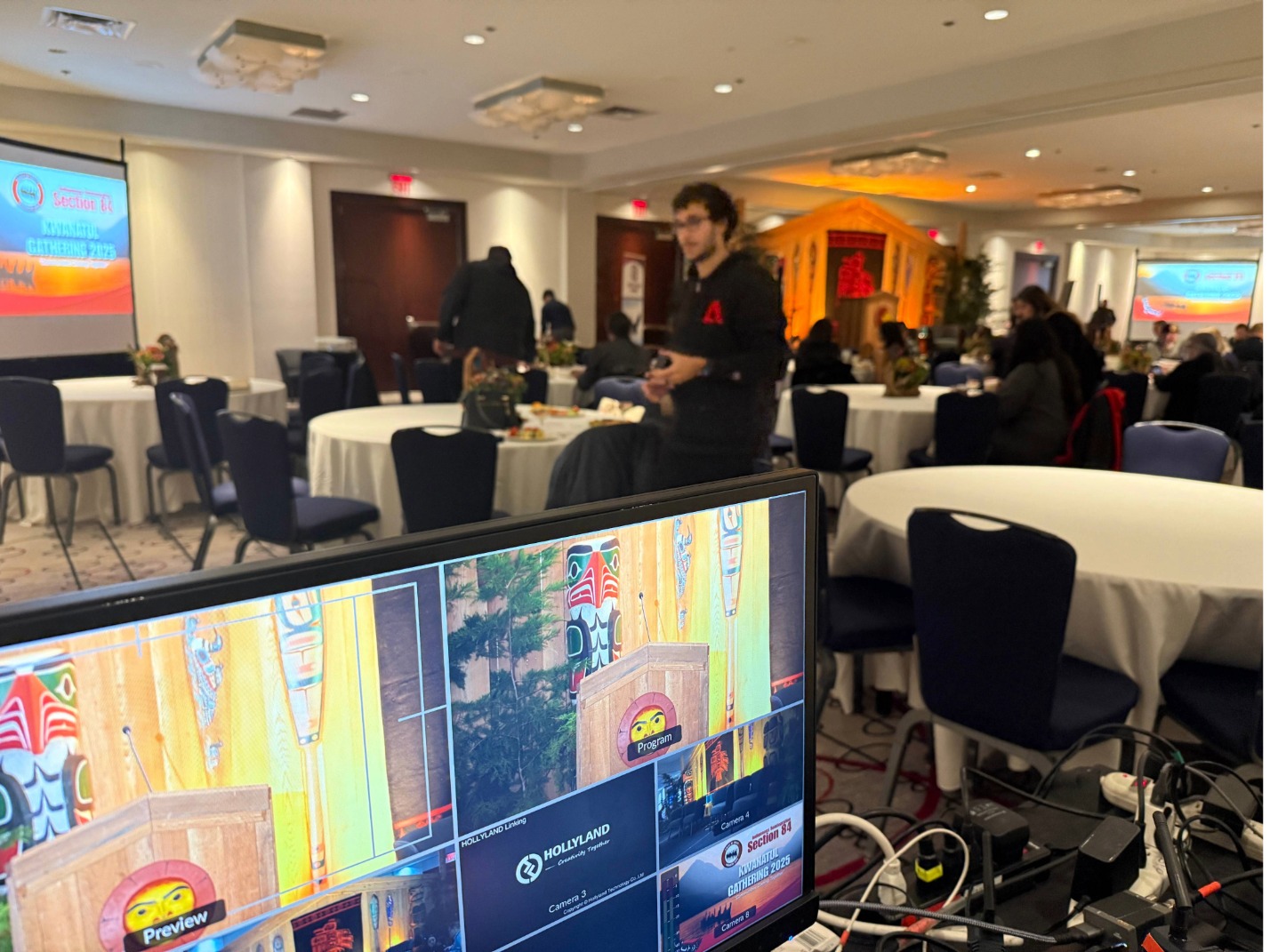
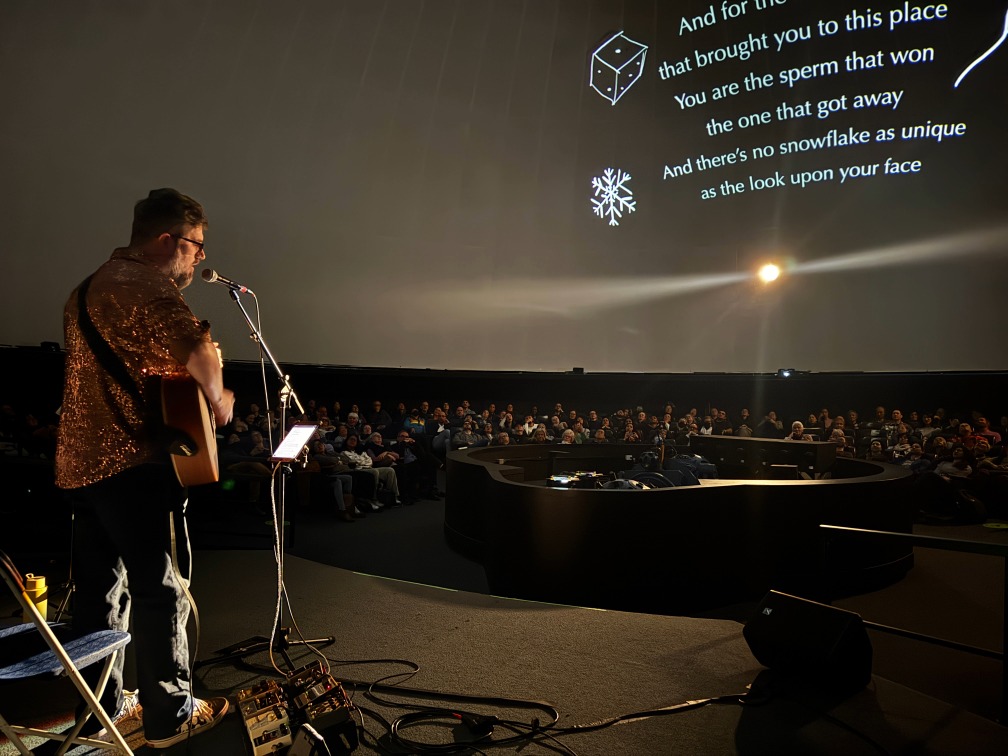
How to Livestream an Awards Ceremony Inside an Exhibition Space
Livestreaming an awards ceremony in an exhibition space can look incredible on camera — but it’s also one of the easiest environments to get wrong.
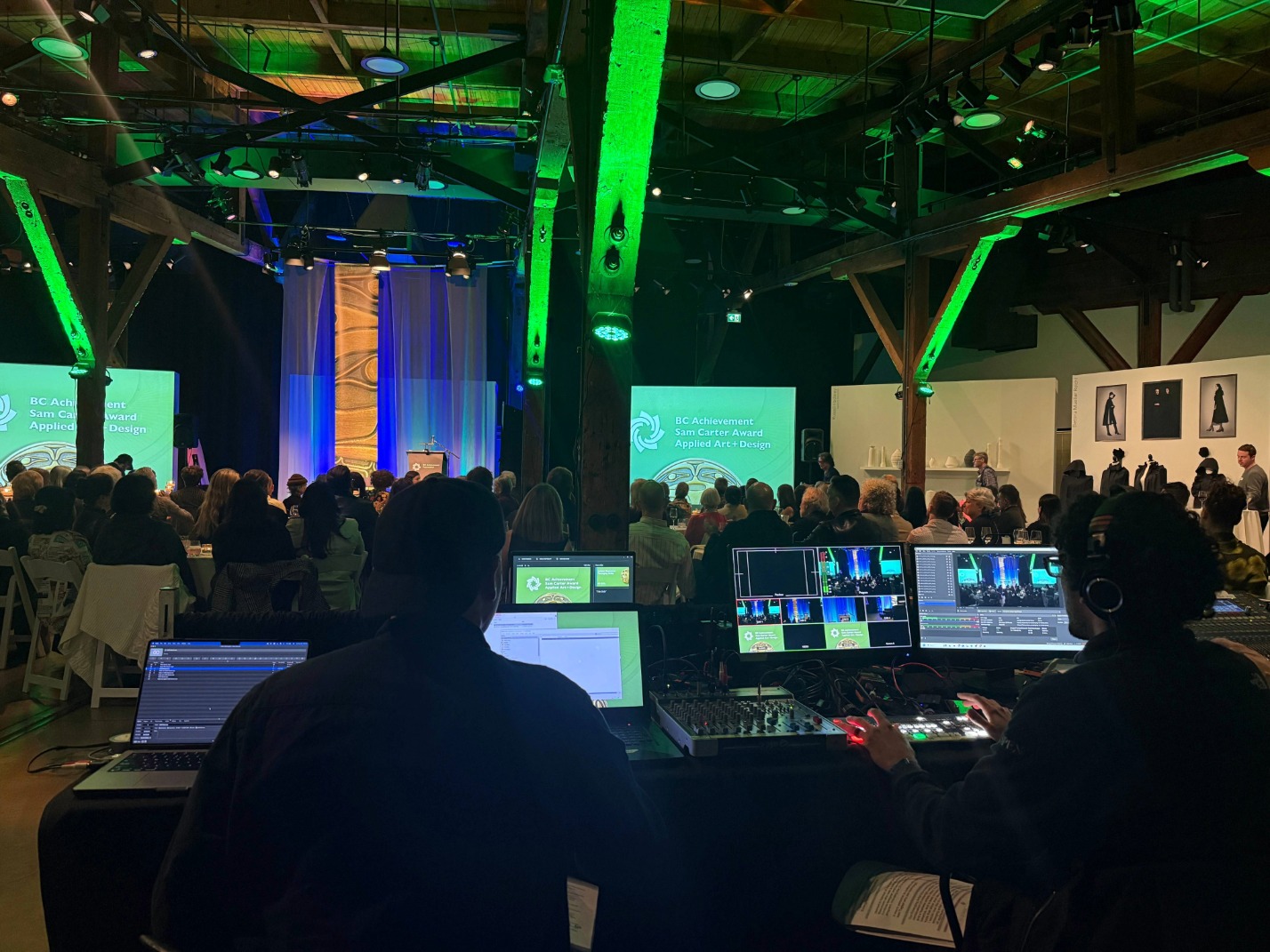
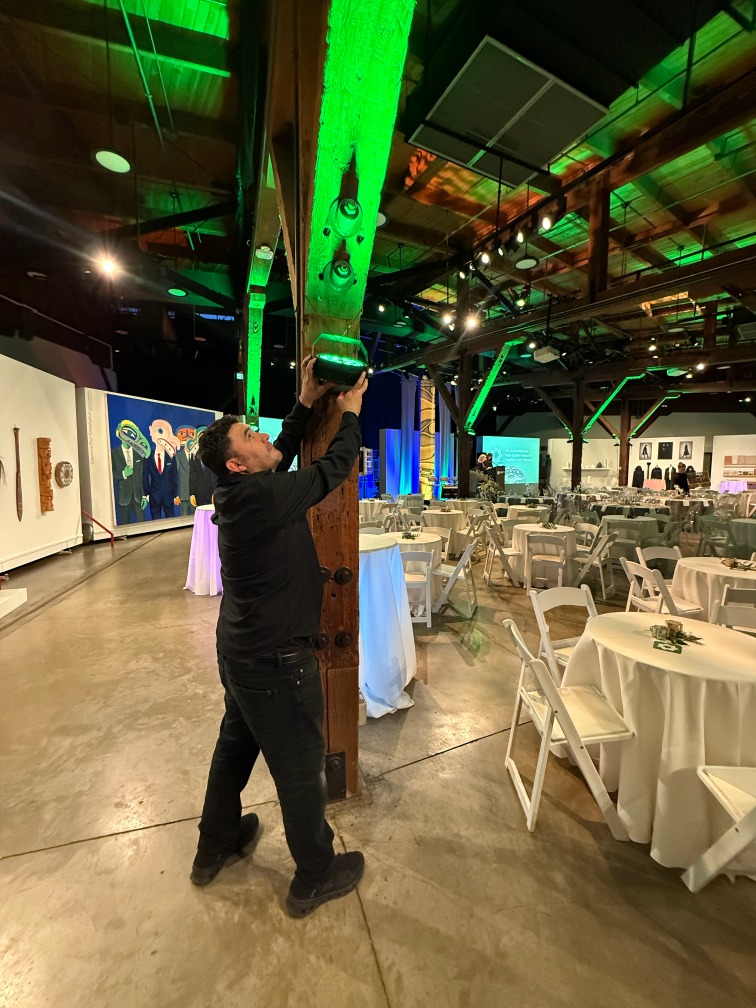
Unlike theatres or conference halls, galleries and installation spaces are built for visual impact, not live production. That means you’re often dealing with mixed lighting, reflective surfaces, open room flow, multiple screens, and a live audience moving through the environment.
This guide breaks down what makes exhibition venues challenging, what to plan for, and how to deliver a livestream that feels smooth, intentional, and professional — without disrupting the space itself.
Why Exhibition Spaces Are Harder Than They Look
Exhibition rooms are visually stunning, but technically unpredictable. Here are the common issues that show up fast:
-Mixed lighting temperatures (warm art lighting + cool house lighting + stage lighting)
-Open sightlines that limit where cameras, tripods, and operators can stand
-Guests circulating through the space, blocking shots and changing the room constantly
-Hard surfaces that create reflections and reduce audio clarity
-Projection screens visible from multiple angles (and multiple points of failure)
-Art pieces that need protection from heat, spill light, or physical interference
-No “back of house” areas like a traditional venue (making “video world” placement tricky)
If you treat the venue like a theatre, you usually end up fighting the space. The goal is to design around the room — not force the room to behave like something it’s not.
What “Success” Looks Like for an Exhibition Livestream
A successful exhibition livestream has three qualities:
1) The broadcast feels calm and intentional
Even though the space is dynamic, the livestream should feel steady and guided.
2) The room still feels like an exhibition
The production should protect the creative identity of the space — not overpower it.
3) The audience experience comes first
Guests in the room should never feel like the livestream “took over.”
Planning Checklist Before You Choose Cameras or Platforms
Before you talk gear or streaming platforms, get these decisions locked:
Where does the audience naturally stand or move?
Where can cameras live without becoming visual clutter?
What are the “must-capture” moments? (awards, speeches, reactions, featured visuals)
How many screens are in use, and what must be synchronized?
Where will the show be “called” from? (quiet area, stable sightline, reliable power)
What is the audio source and who controls it?
What is the internet plan and backup plan?
If these are unclear, the livestream becomes reactive — and exhibition venues punish reactive production.
Camera Coverage That Works in Galleries and Exhibition Venues
Start with a Multi-Camera Plan Built for Movement
Static angles don’t capture the energy of an exhibition-style awards show. You need a plan that covers:
A reliable wide (stage + context)
A clean medium for presenters and awards handoffs
A flexible roaming angle that captures energy and depth
Optional: a targeted angle for key details (award table, featured display, or audience mic)
Consistency of the main angle (viewers need orientation)
Clear presenter coverage (faces + delivery)
Room context (the exhibition environment is part of the story)
Audience reactions (without chasing chaos)
Exhibition broadcasts feel professional when the switching is controlled, not frantic.
Audio: The One Thing That Can Ruin a Beautiful Livestream
Exhibition spaces look great — but audio often suffers because of open layouts and reflective surfaces.
A strong approach focuses on:
Clean speech clarity
Stable mic transitions
Smooth playback transitions (films, stingers, walk-up music)
Avoiding “room sound takeover” when people move through the space
Audio mistakes to avoid
Relying on the room microphone as the primary source
Ignoring audience movement noise
Treating playback and speech like two separate systems
Awards shows frequently combine speeches with media. If transitions aren’t clean, the stream feels amateur no matter how good the cameras are.
Lighting That Respects the Art and Still Looks Good on Camera
This is where exhibition venues require extra care: the lighting needs to support the broadcast without compromising the work on display.
The goal
-Presenters are clearly visible
-The room keeps its intended mood
-The art is protected
-The camera image doesn’t fight mixed temperatures
Simple lighting wins
Keep lighting soft and directional
Avoid spill onto artwork and reflective surfaces
Use controlled colour choices (don’t overpower the room)
Test lighting on camera early — the eye and the camera don’t see the same thing
Projection and Screen Sync (Where Things Quietly Break)
If there are multiple screens in the space, your production must ensure:
Screens stay synchronized
Playback is centralized
No delay becomes visible from different angles in the room
Presenter content is always correct and on time
What helps (in plain language)
One “source of truth” for playback
Clear cues and run-of-show timing
Someone responsible for confirming screens are aligned before doors
When projection falls behind even slightly, audiences notice — especially in exhibition rooms where screens are visible from everywhere.
Presenter Support: Confidence Tools Make Everything Smoother
Awards ceremonies feel better when presenters don’t have to guess what’s happening.
A few small support tools can make a big difference:
Stage-facing confidence monitor
Clear cueing for walk-ups and handoffs
A show flow that avoids awkward pauses
A reliable way for presenters to know what’s next
This reduces stress on stage — and creates a smoother livestream.
The Run-of-Show: How to Keep a Dynamic Room Under Control
The run-of-show is the backbone of exhibition livestreams. It should clearly map:
When speeches happen
When awards are presented
When playback rolls
When transitions happen
When audience movement increases (and how cameras adapt)
If the room is visually complex, your show flow needs to be even more simple.
Planning a gallery-style awards show or cultural event?
If you want the livestream to feel intentional and professional — without overpowering the space — StreamCity can help you plan and deliver it end-to-end.
Explore StreamCity’s live production services and book a consult.
Common Mistakes to Avoid in Exhibition Livestreams
Here’s what typically causes stress or failure:
Overbuilding the setup and making the room feel crowded
Leaving camera placement decisions until the day-of
Treating projection as “someone else’s problem”
Underestimating audio reflections and room noise
No clear show caller / no centralized flow control
No backup plan for internet reliability
The fix is almost always the same: plan around the venue’s constraints early.
Takeaway
With the right planning, even a visually busy exhibition space can become a beautiful livestream environment.
The goal isn’t to turn a gallery into a theatre — it’s to preserve the creative identity of the space while delivering a broadcast that feels:
warm
controlled
professional
and reliable
That’s what viewers feel. And that’s what clients remember.
FAQs
How many cameras do you need for an awards ceremony livestream?
Most awards ceremonies are strong with 3–5 camera coverage, depending on room layout, stage size, and whether you need audience and room context. The venue matters more than the number.
Is Zoom or YouTube better for awards ceremony livestreaming?
It depends on the goals. Zoom is interactive and simple, while YouTube is more broadcast-friendly. The best choice depends on audience size, privacy needs, and required production quality.
How do you handle audio in an open gallery space?
You prioritize direct microphone sources, reduce reliance on room sound, and design transitions between speech and playback. Clean audio routing matters more than the room size.
What causes projection delays during live events?
Delays usually come from non-centralized playback, multiple sources feeding different screens, or inconsistent routing. Centralized playback and early testing prevent most issues.
Can you livestream without disrupting the exhibition atmosphere?
Yes — if the production is designed to be unobtrusive: controlled lighting, thoughtful camera placement, and a plan that respects the space.
What’s the most common failure point in exhibition livestreams?
Audio and screen sync. A venue can look incredible, but if viewers can’t hear clearly or screens lag, the experience breaks.
If you’re planning an awards ceremony in a gallery, exhibition hall, or cultural venue, StreamCity can help you deliver a livestream that feels calm, professional, and aligned with the space.
Book a consult through StreamCity.ca and we’ll help you build the right plan.